 kudhub
Websites and dashboards
Tell your assistant the audience, the data, and the result you want. Review a private preview before publishing.
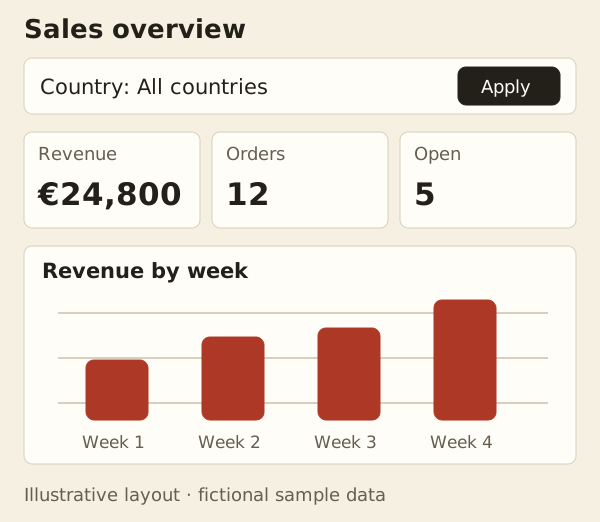
“Build a sales dashboard with a country filter. Preview it before publishing.”
Choose a template style
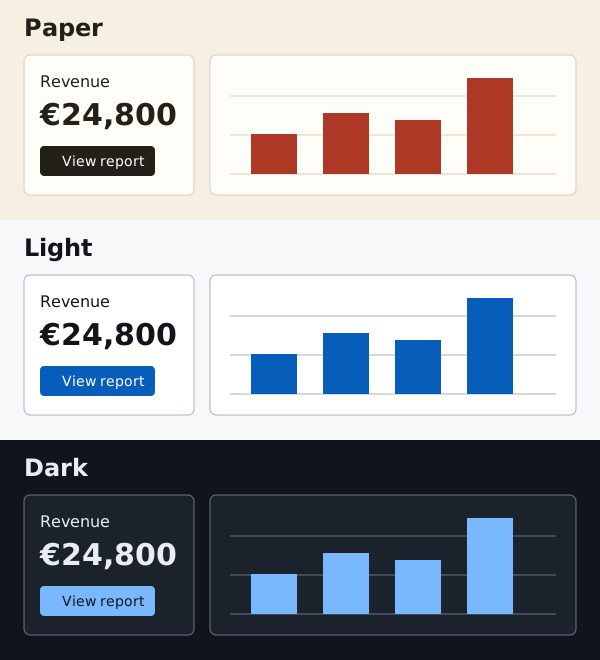
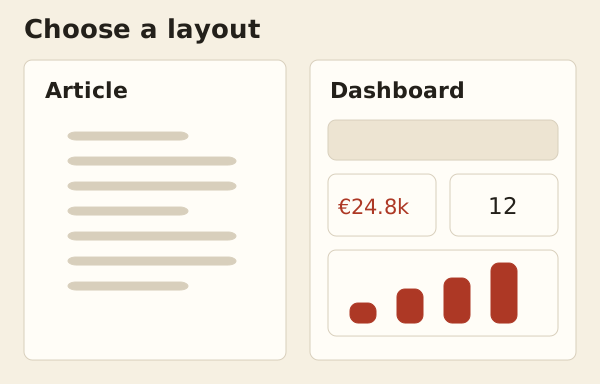
Ask for Paper, Light, or Dark. Combine the theme with an article or dashboard layout; your assistant adapts the pages to your content.
| Choose | Options |
|---|---|
| Output | Dashboard, report, or multipage website |
| Data | Current results or a fixed saved version |
| Access | Private, public, password, guests, or selected accounts |
Private by default. Publication and sharing are separate decisions. In Website access, choose a folder from your website, select who can view it, and save access changes. Folder access includes future files and subfolders. Custom assets outside that folder need separate access.
The folder browser shows the selected website version. If work is missing from Published website, check staging explicitly; sharing staging does not publish it. Release tags identify fixed saved versions, while Published website follows the selected release.
Open Website access in account management and choose Open staging preview to see the latest completed changes. Its URL ends in /_/refs/staging/.
See the visual guides: dashboard components and order operations.
Technical details
Website views and access
| View | Content |
|---|---|
| Staging | Latest completed work on main |
| Published | Selected immutable website release |
| Permanent release | One specific saved website version |
Publishing does not grant visitor access. In Website access, the first matching path/view rule wins; unmatched paths remain owner-only. * matches one path segment, ** matches descendants. Each release and every referenced asset needs permission. Query parameters do not change the rule match.
Data and refresh
A page can read current workspace data or a fixed revision. ClickHouse queries still use live remote data and current permissions; save results locally for reproducible releases. Source files explains cached source reads.
Website caches expire separately. Remote changes do not invalidate rendered output, which may remain visible until expiry after access is disabled.
Controls and limits
Filters and pagination use shareable URLs and work without JavaScript. With JavaScript, affected components update in place; failures leave the last successful result visible. Reset clears all page parameters. Tables report the current page, not a total page count. Unpaginated outputs fail if they exceed the server row limit.
Built-in fonts, scripts, and world maps are local assets. Custom maps require Polygon or MultiPolygon GeoJSON under /www.
Agent reference: kud www reference and kud www component; workflow: kud guide dashboard.